
Announcing a new plugin.
I have released a WordPress plugin called 404 Monitor And Redirect, and it is a free download. There is no premium version, no license key, no account to create, and no upsell. It is licensed GPL v2 or later, so install it on as many sites as you like. You can read the full details on the 404 Monitor And Redirect project page.
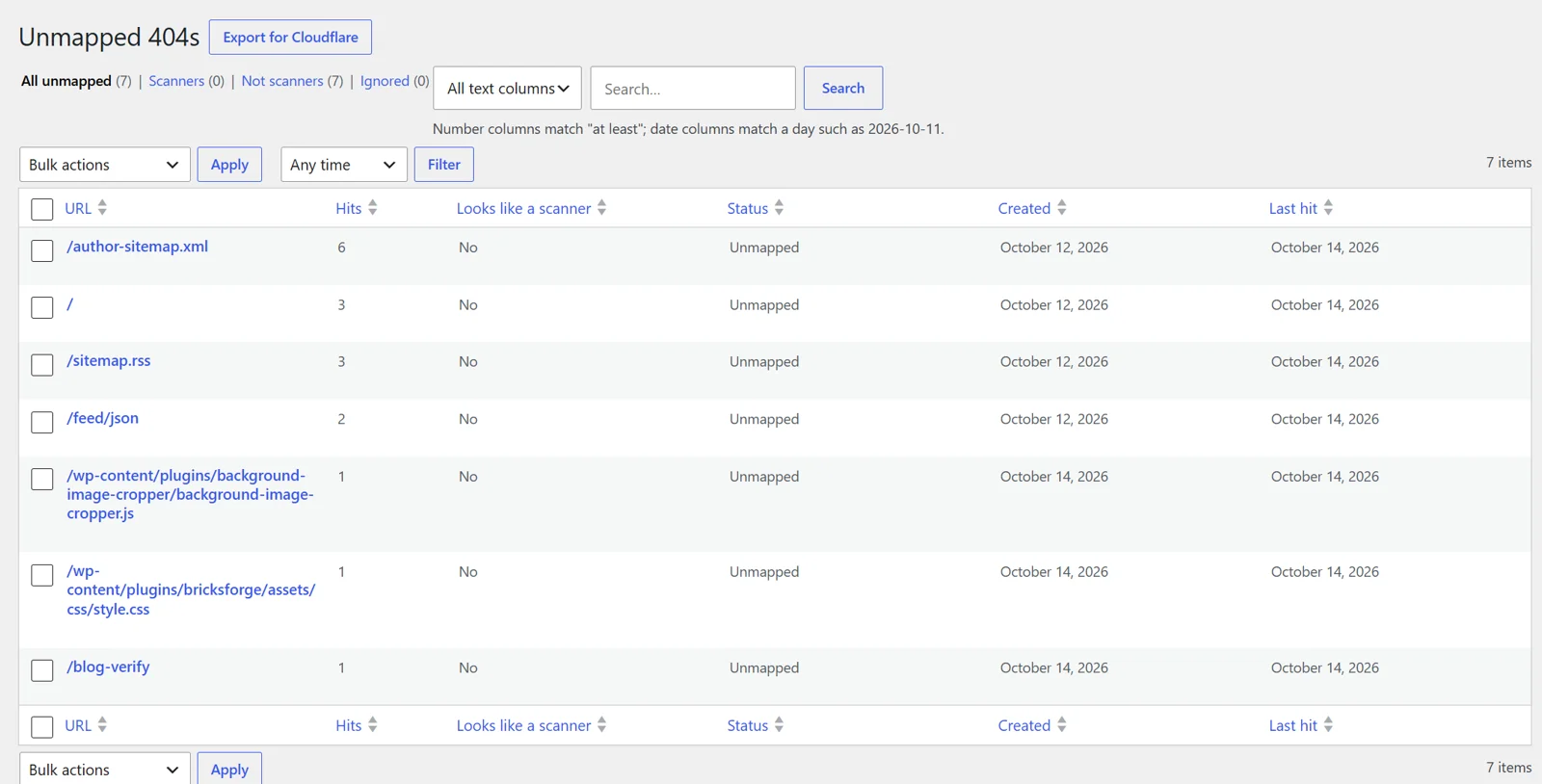
Every website gets requests for pages that do not exist: visitors following old links, search engines crawling URLs that moved years ago, and a great many bots probing for vulnerable files. The plugin records those missing URLs, shows you which ones matter, and lets you map each one to a real destination (a page, post, category, tag, or any address) or answer with a 410 Gone for content you removed on purpose.
I built it because the existing 404 and redirect plugins were either bigger than I needed or kept growing the database without limit by logging every hit with the full URL, user agent, and referrer on every row. This plugin stores each string once, keeps log rows down to small integers, can count scanner probes without logging them, and purges old rows automatically. Redirects cost a single indexed lookup, and visitor IP addresses are never stored.
It also includes a Cloudflare export that turns your most-hit scanner URLs into a custom rule you can paste in to block the noise before it reaches your server, CSV import and export, importers for the Redirection and 404 Redirected plugins, and WP-CLI commands for stats, purge, export, import, and Cloudflare.
Download version 1.0.1, upload it from the Plugins screen in WordPress, and open the new 404 Monitor menu to start mapping your missing URLs. If you find a bug or have an idea, please let me know. More details and screenshots are on the project page.